Spam: how to outsmart e-mail scams
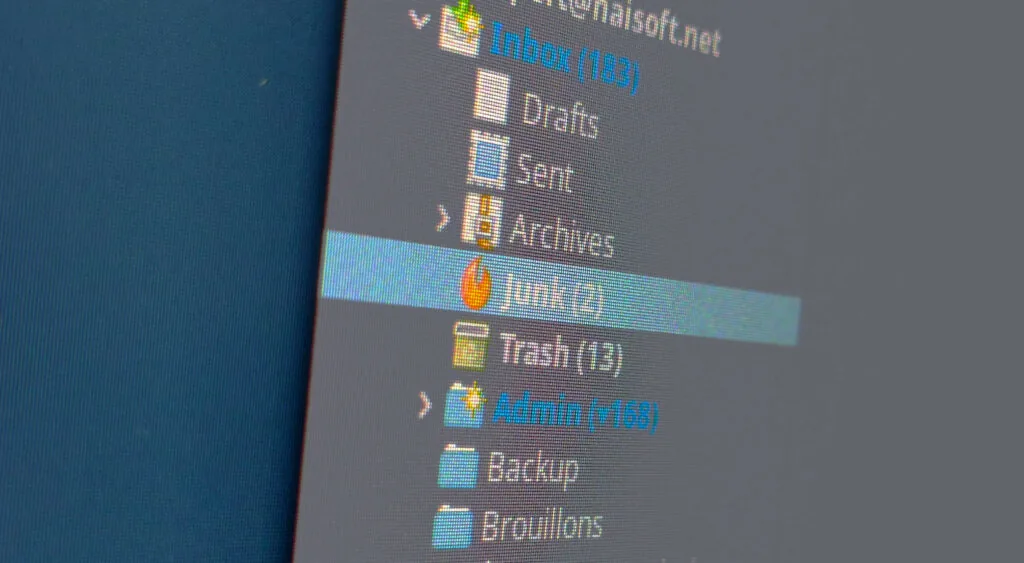
Internet crooks are becoming ever more creative in their attempts to extort money from e-mail users. Receiving an intimidating e-mail can be worrying, and an unsuspecting user can easily fall into a scammer's trap. So how can you spot these tricks and survive the e-mail jungle with peace of mind? Let's take a closer look.
The right mindset
As you will see, real hackers are rarely involved here. Most of the time, we are dealing with more or less cunning individuals who try to fool their targets with deceptive e-mails. The idea is therefore to understand the levers they pull so that you can see through their tricks.
Generally speaking, whenever an e-mail surprises you, for better or for worse, a sceptical attitude is called for.
A genuine hacker has to back up their claims with evidence, and as the sceptical YouTuber Hygiène Mentale (in French) puts it: no evidence = no reason to believe.
Bear in mind that 99.99% of these e-mails are sent by bots and are not based on anything concrete. If you receive a threat, it was most probably sent by a bot and you almost certainly have nothing to fear. So take a step back and stay calm.
Once you know which cases are harmless, you will be able to recognise the rare situations in which you need to act and protect yourself quickly.
We will also see that it is sometimes worth questioning the validity of any evidence provided, because when you dig a little deeper, it turns out to be almost always invalid.
Finally, keep in mind that the techniques described here mainly exploit human weaknesses, which is why it is important to learn about them in order to protect yourself.
Blackmail & bluffing
E-mail intimidation and scams usually consist of making you believe that compromising or confidential data has been stolen from you and then demanding money in exchange for the scammer's silence, generally as a Bitcoin payment (a virtual currency), and sometimes by asking for your card numbers (which would of course be sold on the black market…).
The trick? Bluffing.

A real hacker would necessarily provide evidence of their claims in order to be taken seriously.
Yet most of the time, no evidence whatsoever is provided. If a hacker really held confidential data, they would of course rush to send you a sample to prove they mean business and maximise their chances of success.
No evidence = no reason to believe. In such cases, it is simply an intimidating e-mail sent at random, and the only thing the scammer knows about you is your e-mail address. That will not get them very far.
In practice, if someone tells you, for example, "I have all your bank statements and card numbers" or "I have videos of you in the shower" without actually sending them to you, you can be almost certain that it is simply untrue.
What's more, even if it were true, there is no guarantee that by giving the blackmailer what they want, they will not demand even more or disclose your data anyway.
If, however, you have reason to believe that sensitive data really is in a hacker's hands, ask your hosting provider, IT-savvy friends or your data protection authority for advice, and of course contact the relevant authorities (in French) as quickly as possible.
NB: You may wonder who these scams actually target, given that buying Bitcoin is a very technical process that gives users plenty of time to think about what they are doing before sending any money. We believe the target is rather existing Bitcoin users who might react a little too quickly to such threats. The drawback of this currency for the victim is that there is no trace of the payment's recipient: any money sent is lost forever.
The e-mail sent from your own address
You may sometimes receive an e-mail that appears to have been sent from your own address. In most cases, this is not actually what happened. The scammer's aim is, of course, to make you believe they are serious. For example, the threat "I have your e-mail password – the proof is that I am sending this message from your address" is designed to frighten you and stop you thinking clearly. Naturally, the scammer will generally be unable to tell you what your e-mail password actually is.
The two techniques commonly used to "spoof" your e-mail address, i.e. to pretend to be you, are:
- Using your e-mail address as the sender name – An e-mail always has a sender address and a name, so some scammers simply put your e-mail address in the "name" field. By checking the details, you will see that the actual sender address is different: the scammer never had access to your mailbox. This attack is made more convincing by some e-mail clients that do not display the real e-mail address.
- Actually sending the e-mail with your address in the "From:" field (sender address), but from a different, unauthorised mail server. – The e-mail standard was originally designed without security in mind and does not prevent anyone from freely changing the sender address. To protect against this, a safeguard standard exists: SPF, which prevents unauthorised third parties from sending e-mails on your behalf. See our article on this topic. You may, however, not have an SPF record yet. If so, feel free to contact your favourite hosting provider to set one up.
The key to seeing through this trick is therefore to check the sender of the e-mail carefully and, if necessary, the "source" of the e-mail, i.e. the raw content containing all its metadata, including the real sender and the IP address from which it was sent. All e-mail clients and webmail services let you view these details.
If in doubt, better safe than sorry: do not hesitate to contact HaiSoft support if needed.
Password blackmail
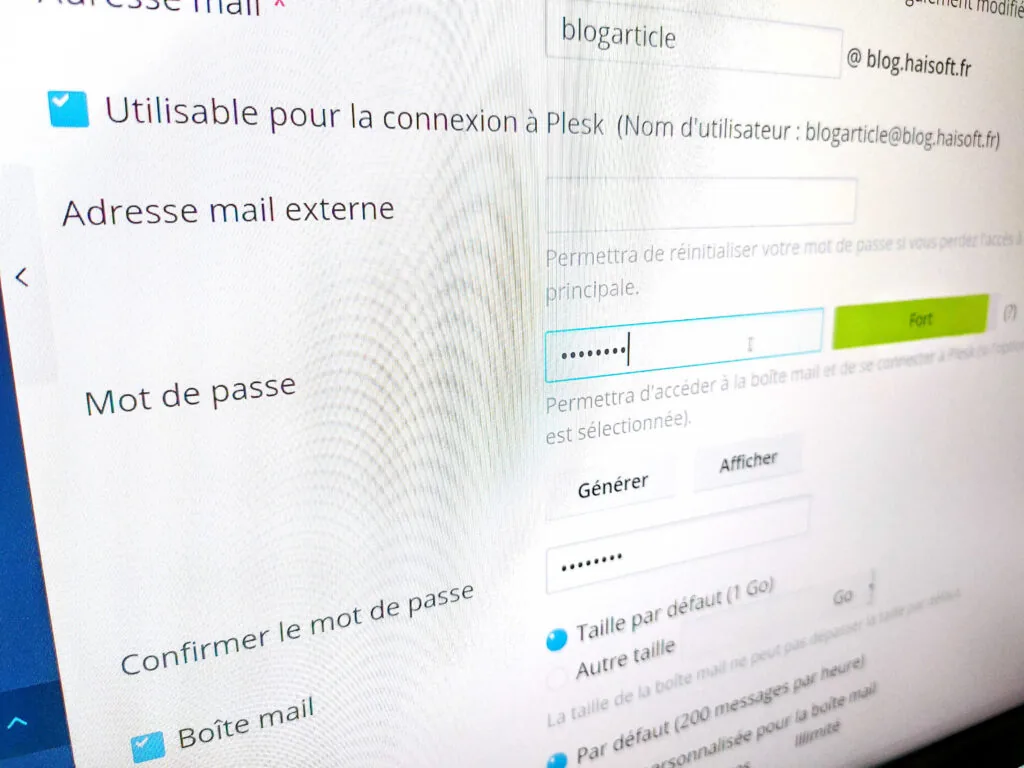
Ideally, every service you have signed up to should use a random password that is different from all the others.
To generate random passwords, you can use the tool https://passwordsgenerator.net/
And to keep track of all your passwords without getting lost, you can use your web browser's built-in feature (Firefox, for example) or a dedicated password manager.
There is also a variant in which a password you have actually used is displayed. This kind of attack is possible when a website you signed up to did not encrypt its passwords and they were stolen by a hacker.
This data – lists of usernames and passwords – is then sold on the darknet (a network of illicit websites) and used for illegal activities.
In rarer cases, you may be using a password that is too simple and has been guessed.
Sometimes you will already have changed that password, so the one displayed is out of date and the threat loses much of its impact.
In any case, if the password shown is still in use, you need to react quickly and properly. Generate new passwords everywhere that password is used, starting with your e-mail account and your most sensitive and well-known websites.
Asking for money so you can receive more
A classic con trick: making you believe that you are about to win something or a large sum of money, while asking you to pay a fee upfront (anything from a few euros to several thousand). One thing is certain: if you hand over anything at all, you will never see your money again.
The solution: never trust a stranger who asks you for money, however many promises they make.
Phishing
Strictly speaking, the methods described above could all be considered forms of phishing. Classic phishing, however, has historically been slightly different.
This method is as old as it is unavoidable. The scammer sends an e-mail on behalf of a well-known company, using a fake address and fake links, to lure you into entering personal information on an unofficial website run by the scammer. The sender address usually differs from the genuine one, the e-mail often contains a fair number of spelling mistakes, and the links lead to websites with dubious URLs.
In this case, carefully check the sender address and the target of the links in the e-mail (the destination is usually displayed when you hover over the link, either next to the link itself, at the bottom of your web browser if you use webmail, or at the bottom of your e-mail client).
Alternatively, you can look closely at the domain displayed in your web browser when you click the link – although it is best not to click at all.
If in doubt, never enter a username, password, payment details or any other personal information after clicking one of these links.
If you want to check whether the e-mail is genuine, go to the service in question by your own means and see whether anything related to the e-mail appears in your online account, or contact the company directly – not least to warn them that phishing is taking place in their name. Their IT team will certainly appreciate the information.
Summary and general advice
To sum up, here is how to stay calm in the face of dishonest e-mail practices:
- Use complex and different passwords for your online services (with the help of a password manager if needed)
- Carefully check the sender of an e-mail and the target of any links it contains
- A threat without evidence is generally nothing to worry about
- If one of your passwords appears, change it everywhere you have used it
- If any doubt remains, be careful, keep the e-mail and ask your hosting provider for advice
To find out more, take a look at the French government's page on cybercrime (in French).
For any technical question, contact HaiSoft support on 0115 871 7533 from Monday to Friday, 10am to 12pm and 2pm to 5pm, or open a support ticket 24/7 from your customer area.
Follow us on social media so you never miss a new article!