Professional anti-spam
MailChannels Inbound

MailChannels Inbound is a cloud anti-spam filter: emails sent to your domain are analysed there before they reach your server, and spam, viruses and phishing attempts are blocked or quarantined. It is included in HaiSoft's Mail Pro and Mail Expert plans and available as an option with other plans for €24 excl. VAT/year for 20 addresses on the same domain.

See the plans

€24 excl. VAT/year for 20 addresses
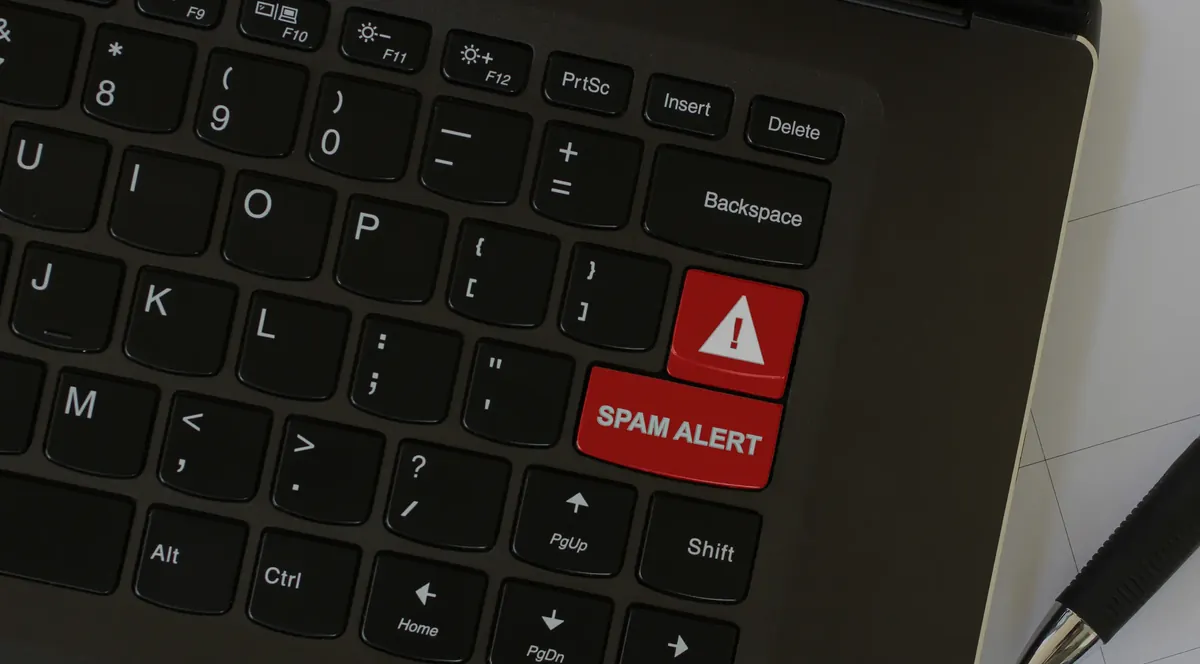
“Spam alert” key on a laptop keyboard: MailChannels Inbound anti-spam

Anti-spam Pro plan

Included with Mail Pro and Mail Expert, optional with our other plans

MailChannels Inbound

Optional with our other email plans

24.00€ excl. VAT/year

for 20 addresses (from the same domain)

Contact us

Included in your plan:

  • Email filtering
  • Blocking of unwanted emails
  • Per-user filter management
  • Block list / allow list management
  • Quarantined email management

Mail Pro and Mail Expert

MailChannels Inbound included in the plan

From 3.99€ excl. VAT/month

See the plans

Includes:

  • Advanced antispam
  • Mail Pro: 2 to 20 mailboxes, 40 GB in total
  • Mail Expert: 5 to 50 mailboxes, 250 GB in total
  • Webmail, secure IMAP, POP and SMTP
  • SPF and DKIM

Why choose HaiSoft to protect your email

HaiSoft combines MailChannels Inbound cloud filtering with its mail servers hosted in Tours and Paris: spam, viruses and phishing attempts are stopped before they reach your server, and only legitimate messages arrive in your mailboxes. MailChannels Inbound is included in the Mail Pro and Mail Expert plans, and can be added to other email plans for €24 excl. VAT per year per domain, for up to 20 addresses. Our in-house technicians help you fine-tune it.

Advanced Spam Filtering

Mailchannels Inbound uses sophisticated algorithms to identify and filter spam before it reaches your inbox. This allows you to maintain a clean inbox and focus on important communications without the distraction of unwanted emails.

Protection against Viruses and Phishing

Increase the security of your communications with robust protection against viruses and phishing attempts. Mailchannels Inbound scans every message for potential threats, ensuring that only safe emails reach your inbox.

Seamless Integration

Mailchannels' anti-spam solution is designed to integrate easily with your existing email system. Whether you opt for our Mail Pro and Mail Expert packages or add this protection to another offering, integration is seamless and does not disrupt your workflow.

Improved Productivity

By effectively eliminating interruptions caused by spam and malicious emails, Mailchannels Inbound allows you to increase productivity. Your team can concentrate fully on their work, improving the overall efficiency of your organisation.

How MailChannels Inbound works

With MailChannels Inbound, your domain's MX records point to MailChannels' filtering servers (mx1.mailchannels.net and mx2.mailchannels.net) instead of your mail server. Every incoming email then follows this path:

  1. the sender sends the message, which arrives at MailChannels first;
  2. MailChannels analyses the message and applies the policy chosen for your domain;
  3. legitimate messages are forwarded to your HaiSoft mail server and delivered to your mailboxes.

Unwanted messages are therefore stopped before they even reach your server. Your email software, your webmail and your IMAP and SMTP settings do not change.

What MailChannels Inbound stops

To recognise the scams that might still get through, read our article Spam: how to outsmart e-mail scams.

Quarantine, allow lists and block lists

For each domain, an email detected as spam can be rejected, quarantined or flagged and then delivered. With quarantine:

Allow and block lists accept an email address, a domain or an IP address. They are managed at domain level by the domain administrator, and at mailbox level by each user; user settings take precedence over domain settings.

Plesk spam filter or MailChannels Inbound?

All HaiSoft mailboxes come with a basic spam filter. MailChannels Inbound goes further:

CriterionPlesk spam filterMailChannels Inbound
Where filtering happensOn your server, after receiptIn the cloud, before your server
MethodContent analysis (SpamAssassin), adjustable thresholdAnalysis of the content, the sender and its authentication
Detected spamFlagged, moved to the Spam folder or deletedRejected, quarantined or flagged
Allow and block listsPer addressPer domain and per user
PriceIncludedIncluded with Mail Pro and Mail Expert, otherwise €24 excl. VAT/year for 20 addresses

Pricing and plans

MailChannels Inbound is included in the Mail Pro and Mail Expert plans (from €3.99 excl. VAT/month). With other plans, it can be added as an option for €24 excl. VAT per year, i.e. €2 excl. VAT per month, for 20 addresses on the same domain. To activate it on your domain, contact us.

Setup

Activation consists of registering your domain with MailChannels, setting your HaiSoft mail server as the destination for filtered messages, then replacing the domain's MX records with MailChannels' records. The MX records are changed in the domain's DNS zone, at HaiSoft or at the provider that manages your domain. Filtering starts as soon as the DNS change has propagated, usually within a few minutes.

Good habits to receive less spam

Find out more: Fighting spam: how your hosting provider protects you and E-mail: stop wasting your time. For the emails you send, see deliverability with MailChannels.

Frequently asked questions about MailChannels Inbound anti-spam

What is MailChannels Inbound?

It is a cloud filtering service that analyses the emails sent to your domain before they reach your server, and blocks spam, viruses and phishing attempts.

How much does MailChannels Inbound cost?

It is included in the Mail Pro and Mail Expert plans. As an option with other plans, it costs €24 excl. VAT per year, i.e. €2 excl. VAT per month, for 20 addresses on the same domain.

Which plans include MailChannels Inbound?

The Mail Pro (2 to 20 mailboxes, 40 GB in total) and Mail Expert (5 to 50 mailboxes, 250 GB in total) email plans.

What happens to blocked emails?

Depending on the domain setting, they are rejected, flagged as spam or quarantined. In quarantine, they are kept for up to 7 days and each user receives a daily digest to release a legitimate message.

A legitimate email was blocked: what should I do?

Release it from the daily quarantine digest, and add the sender to your allow list so that their next messages are accepted. Our support team can help you.

Do I need to change the settings of my email software?

No. Only the domain's MX records change. Your software, your webmail and your IMAP and SMTP settings stay the same.

What is the difference with the Plesk spam filter?

The Plesk filter analyses the content of emails on your server, after receipt. MailChannels Inbound filters in the cloud, before your server, blocks spam, viruses and phishing and offers a quarantine with a daily digest.

Does MailChannels Inbound protect the emails I send?

No, it filters the emails you receive. Outgoing emails are handled by MailChannels Outbound, the relay that improves deliverability, included with shared hosting and optional on servers.

Updated on