Back up my server?! Fine, but how?
Welcome to our new series of articles, in which we will explore the many aspects of data backup together. In today's digital world, information is both valuable and vulnerable, so it is essential for every organisation to put robust backup methods in place. Our aim with this series is to give you practical advice and concrete tools to protect your data effectively.
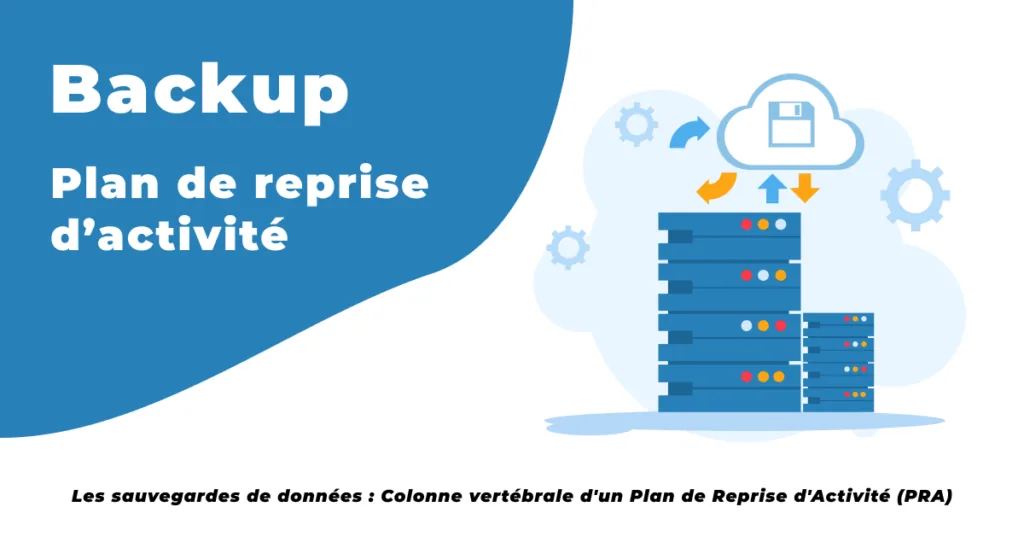
1. Backups: a pillar of the Disaster Recovery Plan
We will start by exploring how data backups form the backbone of any Disaster Recovery Plan (DRP), enabling businesses to recover from IT disasters or unprecedented disruption. We will also explain why a backup plan needs to be robust, replicable and flexible enough to adapt as things change.
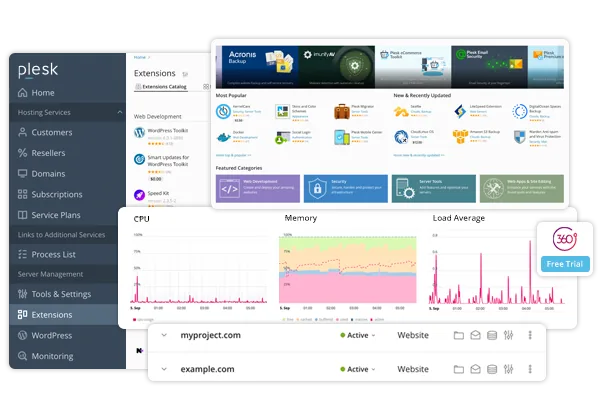
2. Backups in Plesk
Next, we will dive into backups with Plesk, which makes managing backups much easier and is therefore an ideal choice for web server administrators. We will look at the specific features that simplify the backup process and give you a detailed guide to configuring your backups optimally.
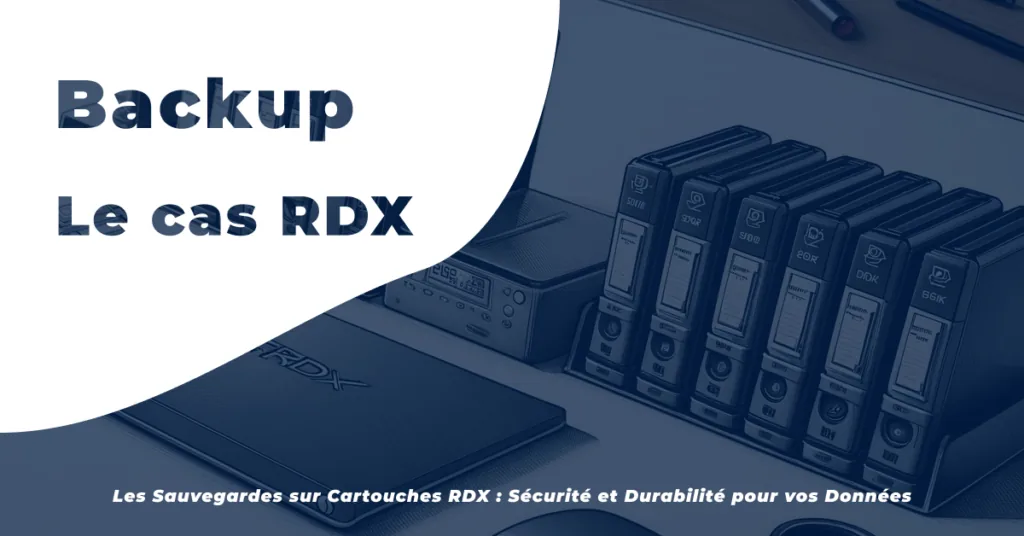
3. Cartridge backups: the case of RDX
We will shed light on cartridge-based backup technologies, in particular the RDX system, which offers secure, reliable long-term data retention. We will present this technology in detail, highlighting its advantages in terms of durability and storage capacity.
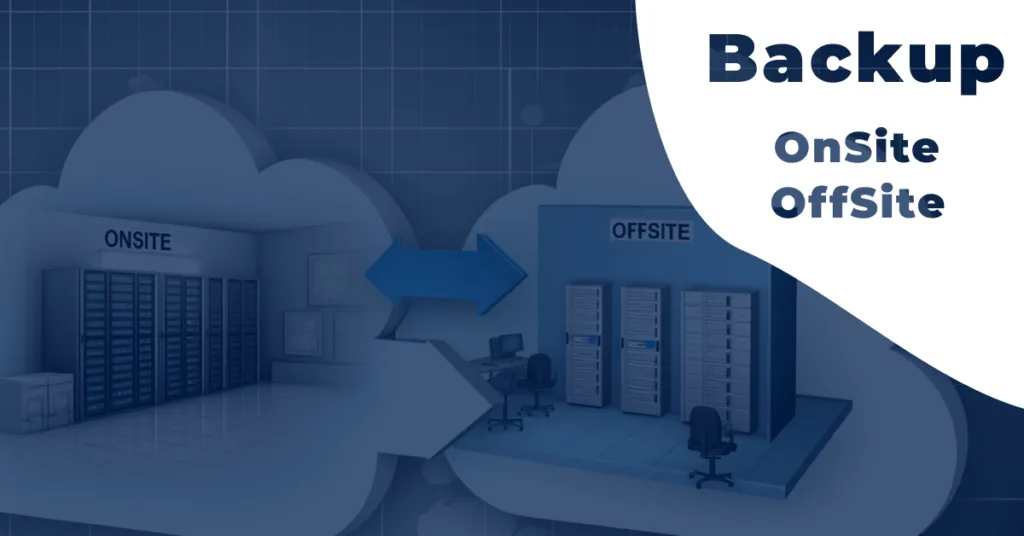
4. On-site and off-site backups
We will discuss the pros and cons of local (on-site) and remote (off-site) backups. Local backups offer immediate, easily accessible protection, while remote backups strengthen security by spreading data across several geographical locations, reducing the risk of data loss. We will see why combining these methods is often the wisest approach, providing optimal protection across a range of scenarios.
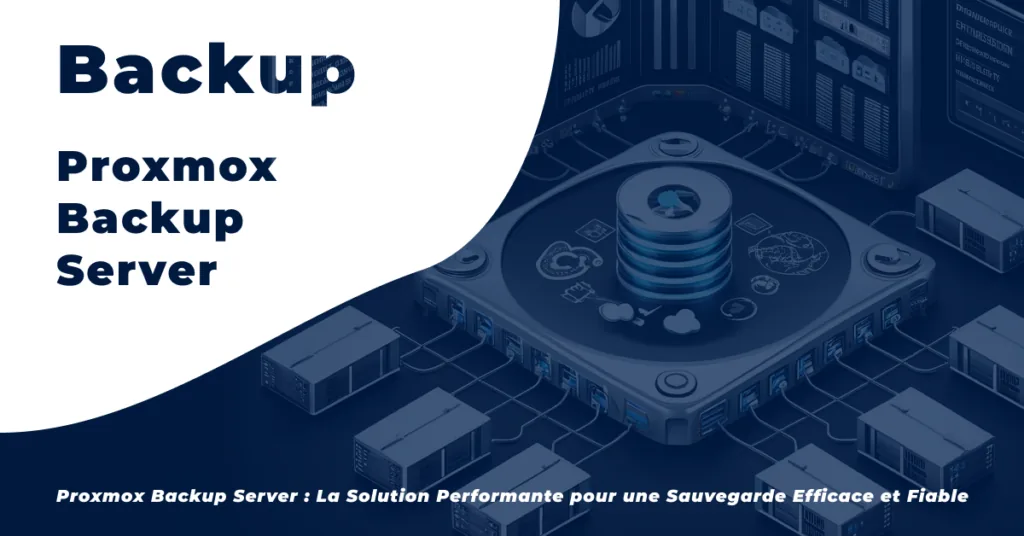
5. A powerful new solution: Proxmox Backup Server
To conclude, we will introduce Proxmox Backup Server, the new backup solution we have integrated into our infrastructure. It is growing in popularity thanks to its outstanding performance and reliability. We will explore its main features, such as incremental backup, data deduplication and compression, which maximise efficiency while minimising resource usage. You will discover how this new solution can make your systems more resilient and ensure business continuity, even in the event of a disaster.
Choosing a backup strategy
Choosing a backup strategy should be guided by several key criteria, such as data volume, how often updates are needed and the available budget. We will discuss the different backup models (incremental, differential and full) and how well each suits a business's needs.
In conclusion, this series of articles aims to give you an in-depth, practical understanding of the different facets of data backup. By exploring fundamental concepts such as the role of backups in the Disaster Recovery Plan, using Plesk to manage backups, adopting technologies such as the RDX system and comparing on-site and off-site backup methods, we want to equip you with the knowledge you need to protect your valuable information effectively.
Our goal is to guide you in choosing and implementing robust backup solutions tailored to your specific needs. We firmly believe that, with the right strategies and tools, every organisation can become more resilient to the unexpected and ensure business continuity.
Stay tuned for our upcoming articles, in which we will look at each of these topics in depth, with practical advice and detailed guides to help you optimise your backup strategies. We hope you will find this series not only informative but also useful in securing your digital world.